
Monthly and Yearly plans
Invoices that create themselves
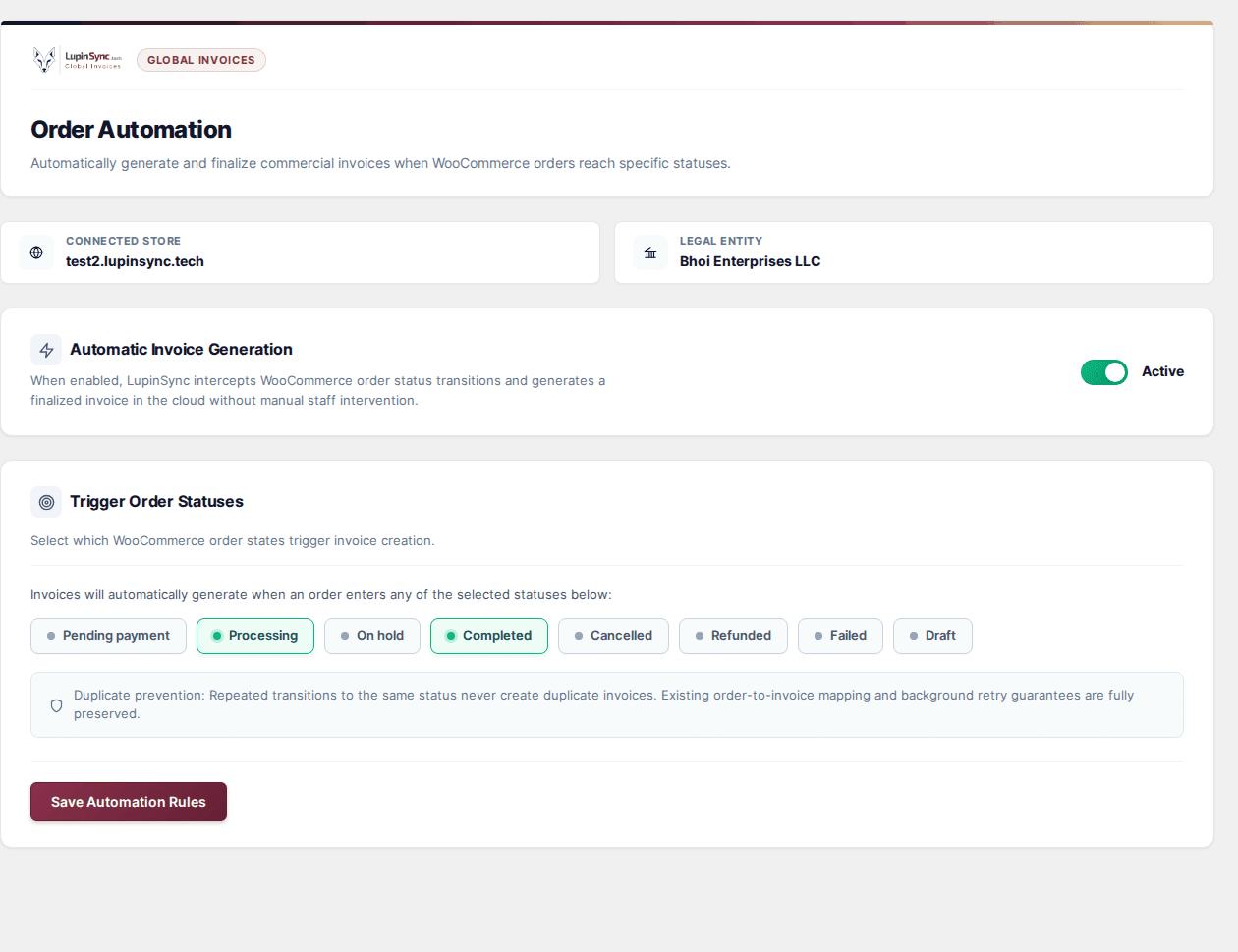
Pick the order statuses that should trigger an invoice. Repeated status changes never create duplicates.
Free pluginFor WordPress and WooCommerce, v0.4.3
Install the free LupinSync plugin and turn every order into a numbered, tax-ready invoice with a polished PDF, without leaving your WordPress admin.
Inside the plugin
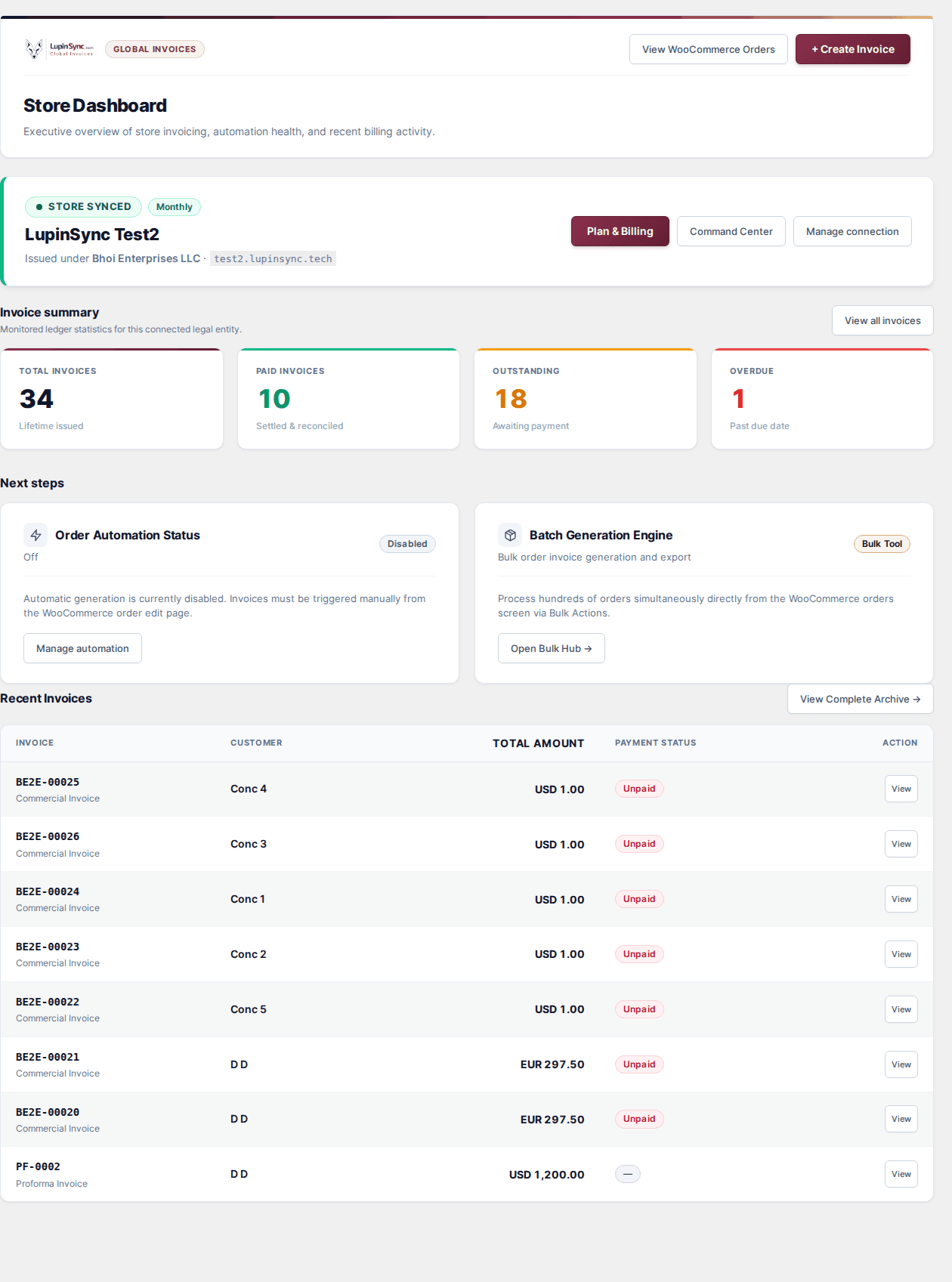
Every screen below is the real plugin. Manage invoices, automation, templates and payments from the same admin you already use to run your store.
Pick the order statuses that should trigger an invoice. Repeated status changes never create duplicates.
Cloud PDFsLupinSync renders every PDF, so your hosting never has to run a headless browser.
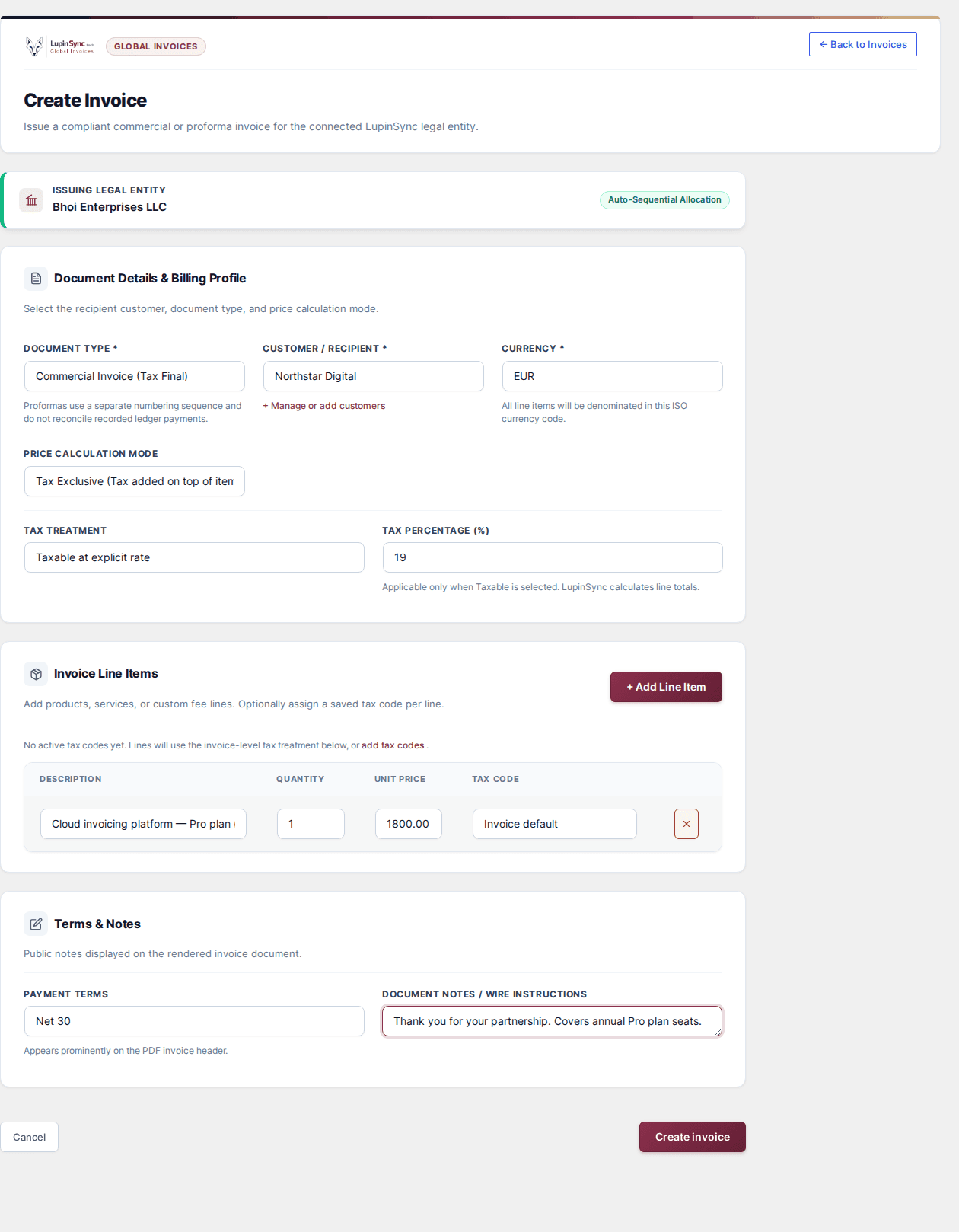
Customer, currency, tax and line items in one form.
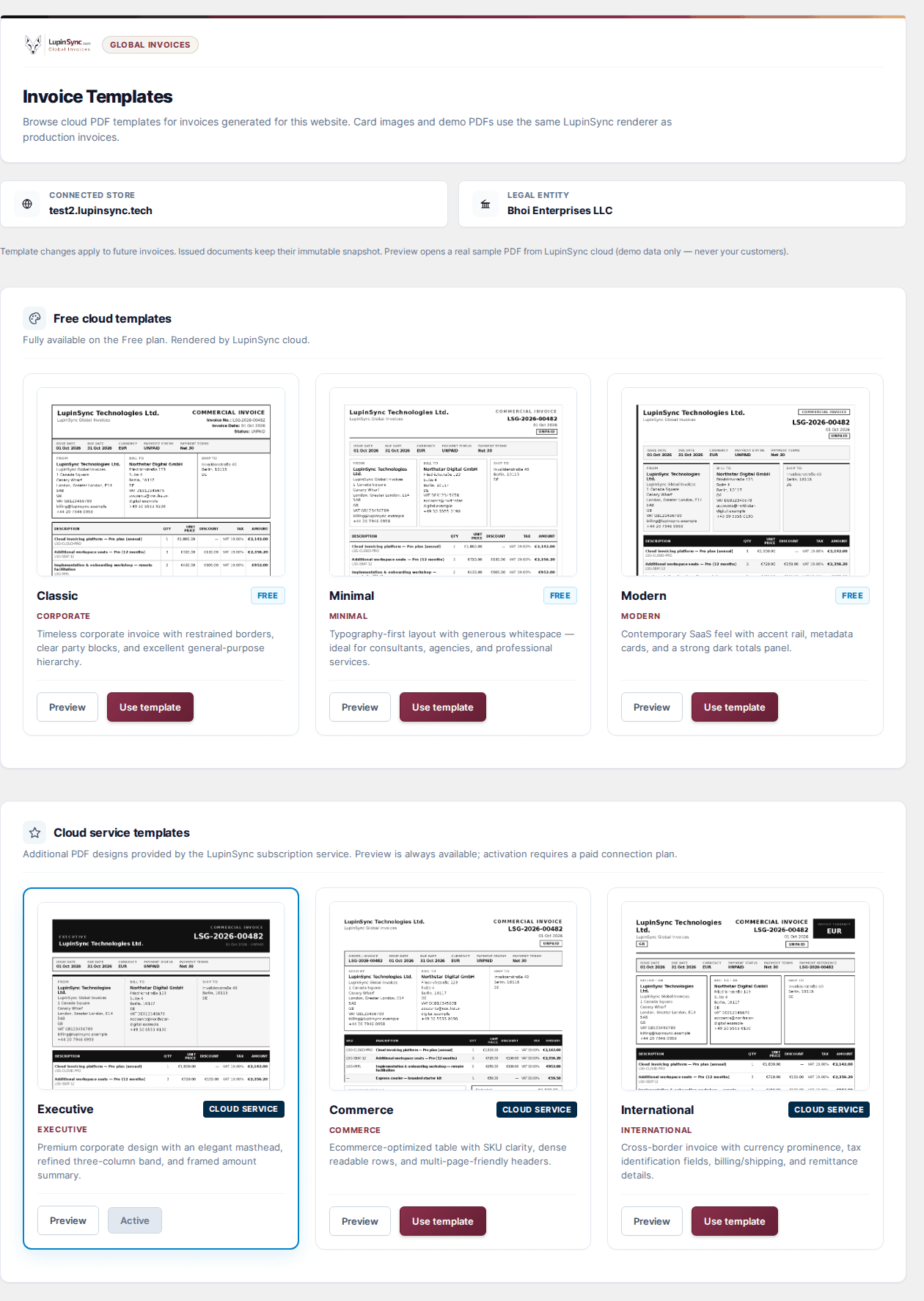
Switch the look of every future invoice in one click.
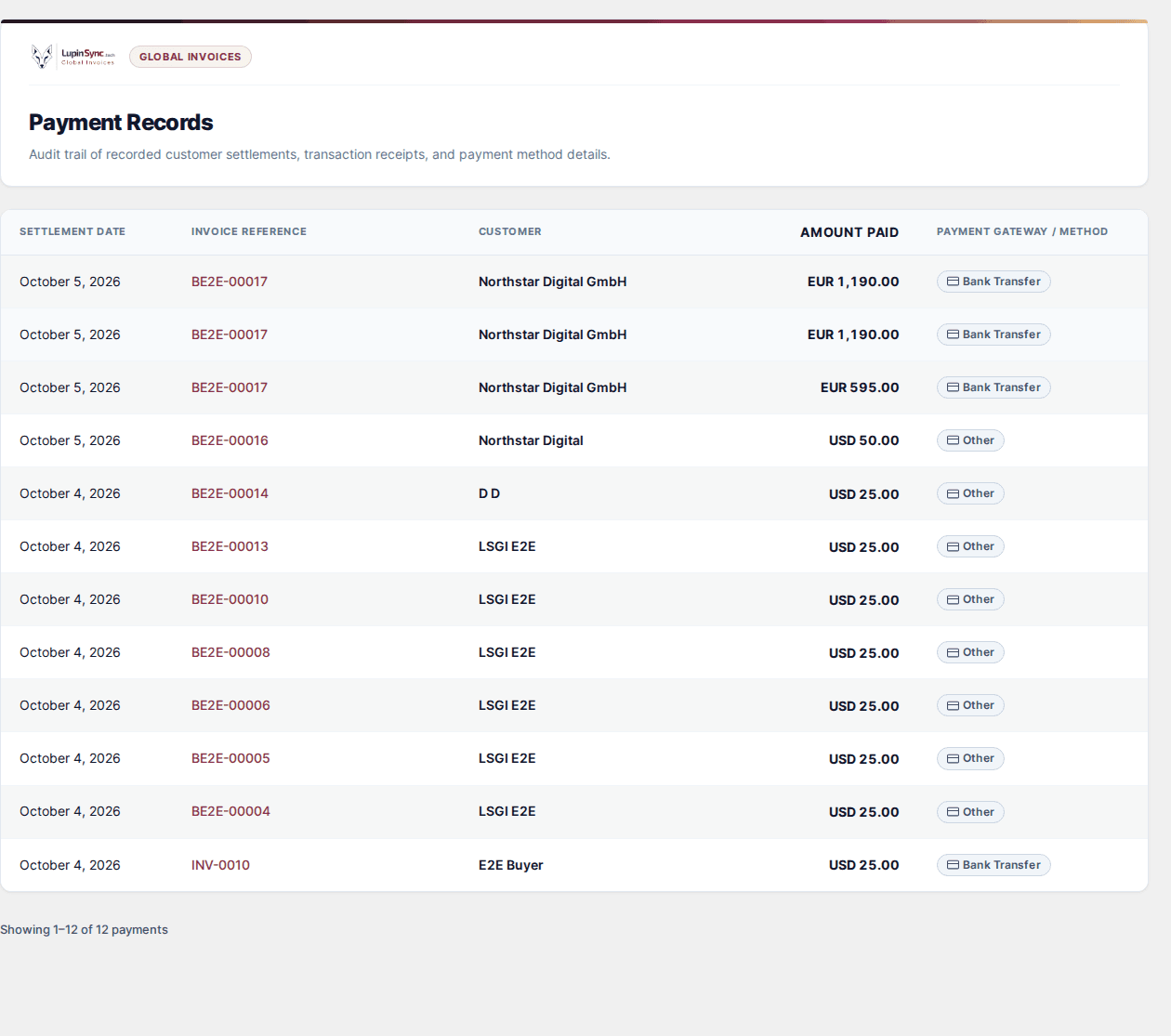
Every full or part payment, with the invoice it settles.
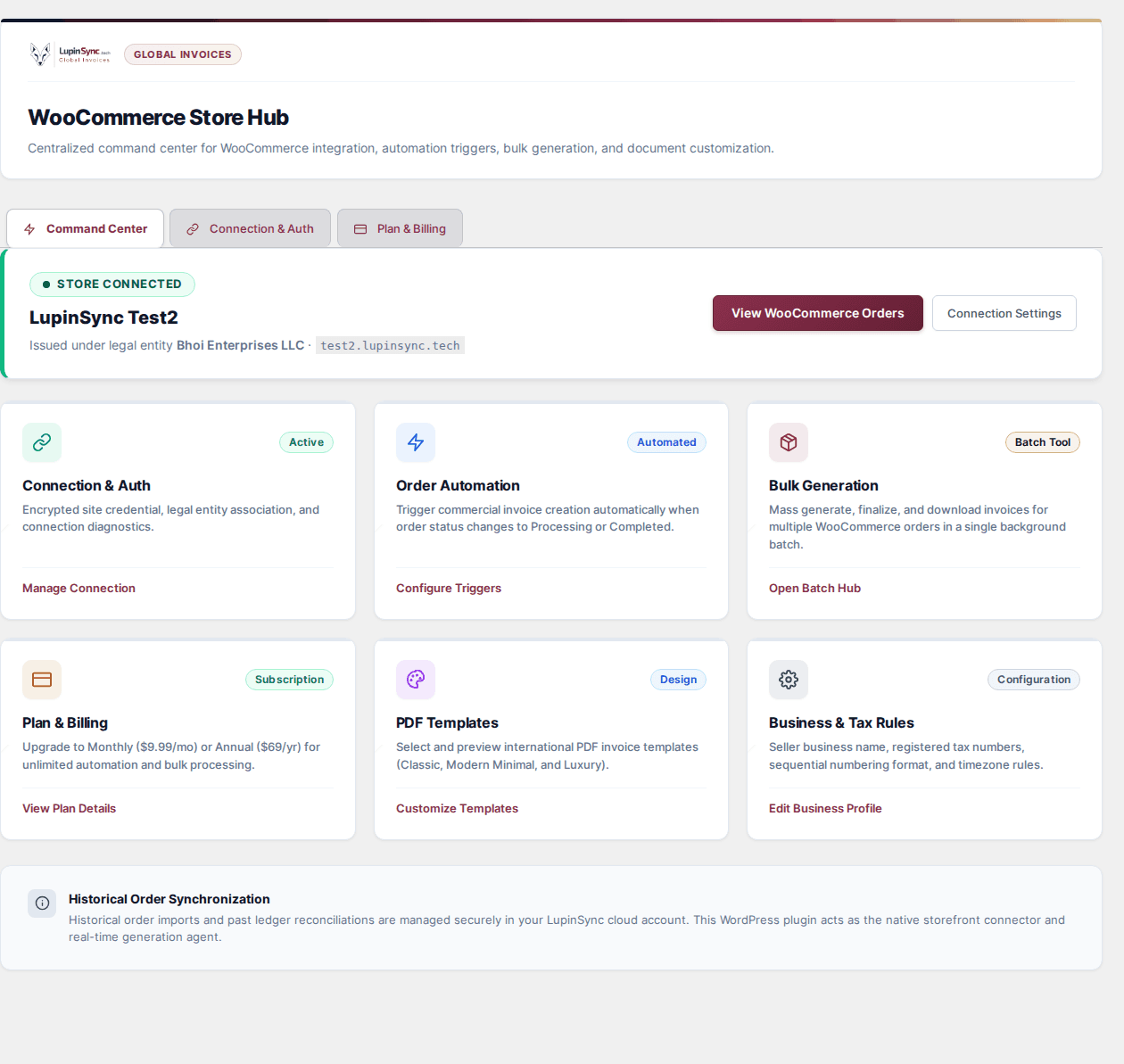
Connection, automation, bulk generation, templates and your business and tax details, all in one place.
BulkCreate invoices for hundreds of past or selected orders in one background batch.
Installation
You need a WordPress site with WooCommerce and an administrator login.
Save lupinsync-global-invoices-0.4.3.zip. Don't unzip it.
In WordPress, go to Plugins, then Add New, then Upload Plugin.
LupinSync Global Invoices appears in your admin menu.
Sign in or create a free account and approve your store. That's it.
With WP-CLI, install and activate the latest version in one step.
wp plugin install https://global-invoices.lupinsync.tech/api/v1/public/plugin/download --activateYour orders and customers stay in your WordPress database. To create an invoice, the plugin sends the order details it needs to the LupinSync service at global-invoices.lupinsync.tech, which renders the PDF and keeps the invoice record. The connection uses a site token, so no LupinSync password is stored on your site.
Yes. The plugin is licensed under GPLv2 or later and free to download. On the Free plan you can connect your store, create invoices from orders and use the Classic, Minimal and Modern templates.
No. PDFs are created by the LupinSync cloud service, so your WordPress hosting doesn't run a browser or use extra memory to build them.
Yes. The plugin supports High-Performance Order Storage as well as the older post-based order storage.
Preview every template in the template gallery. When your connected store is on a Monthly or Yearly plan, the extra templates appear in your WordPress admin without reinstalling the plugin.
The plugin is in the WordPress.org review process. Until it's listed, download the ZIP from this page. You'll get updates the same way once it's approved.
Free to download, free to connect, and no card needed.